Talk to your race engineer
Coming soonAsk a question during an F1 25 or F1 26 race and get advice back, the way you would on the radio.
Coming soon
F1 Engineer is the engineer you talk to during an F1 25 or F1 26 race. Ask for advice while you drive. Afterwards, open your laps, your telemetry, and a comparison with another lap.
Laps, telemetry, setup, and the phone that listens for the game.
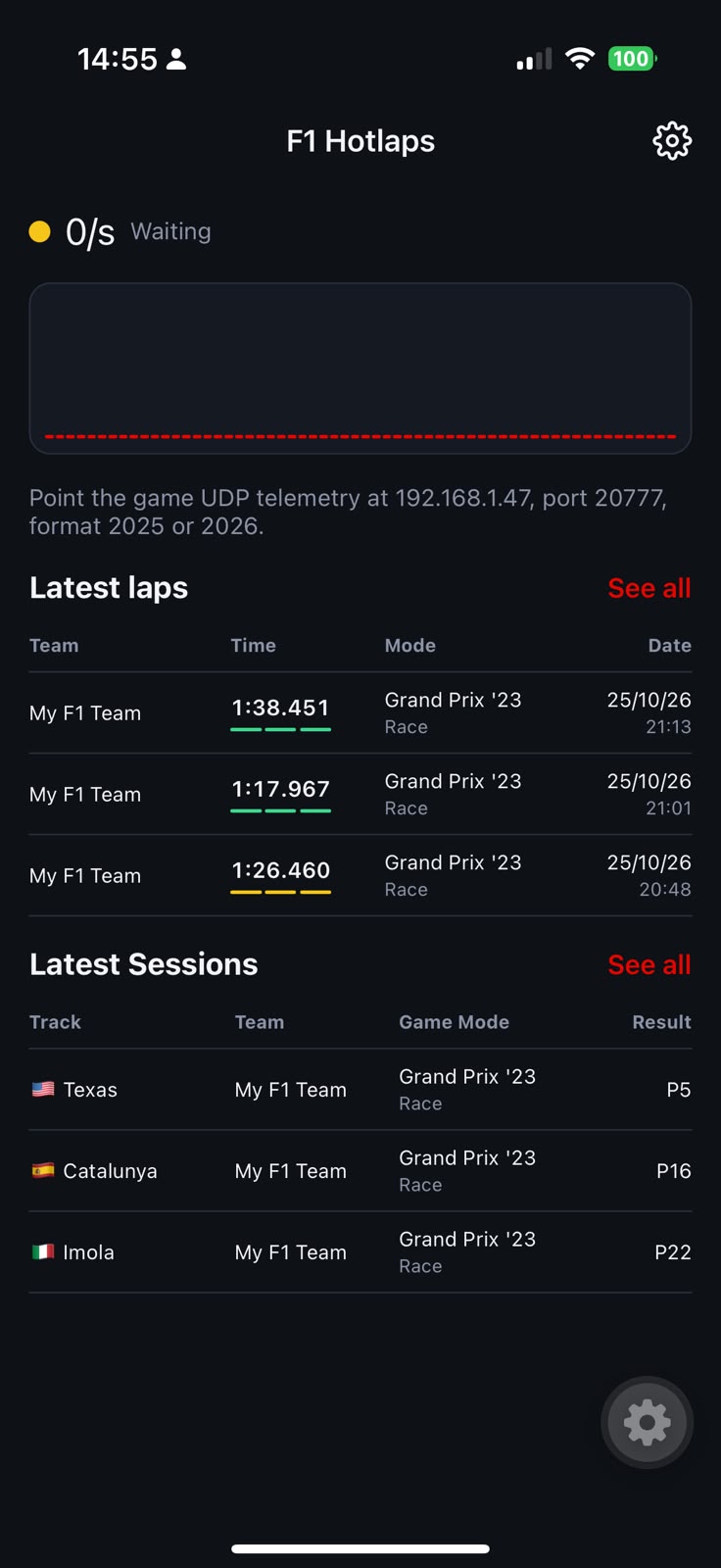
Latest laps and sessions while the phone waits for the game.
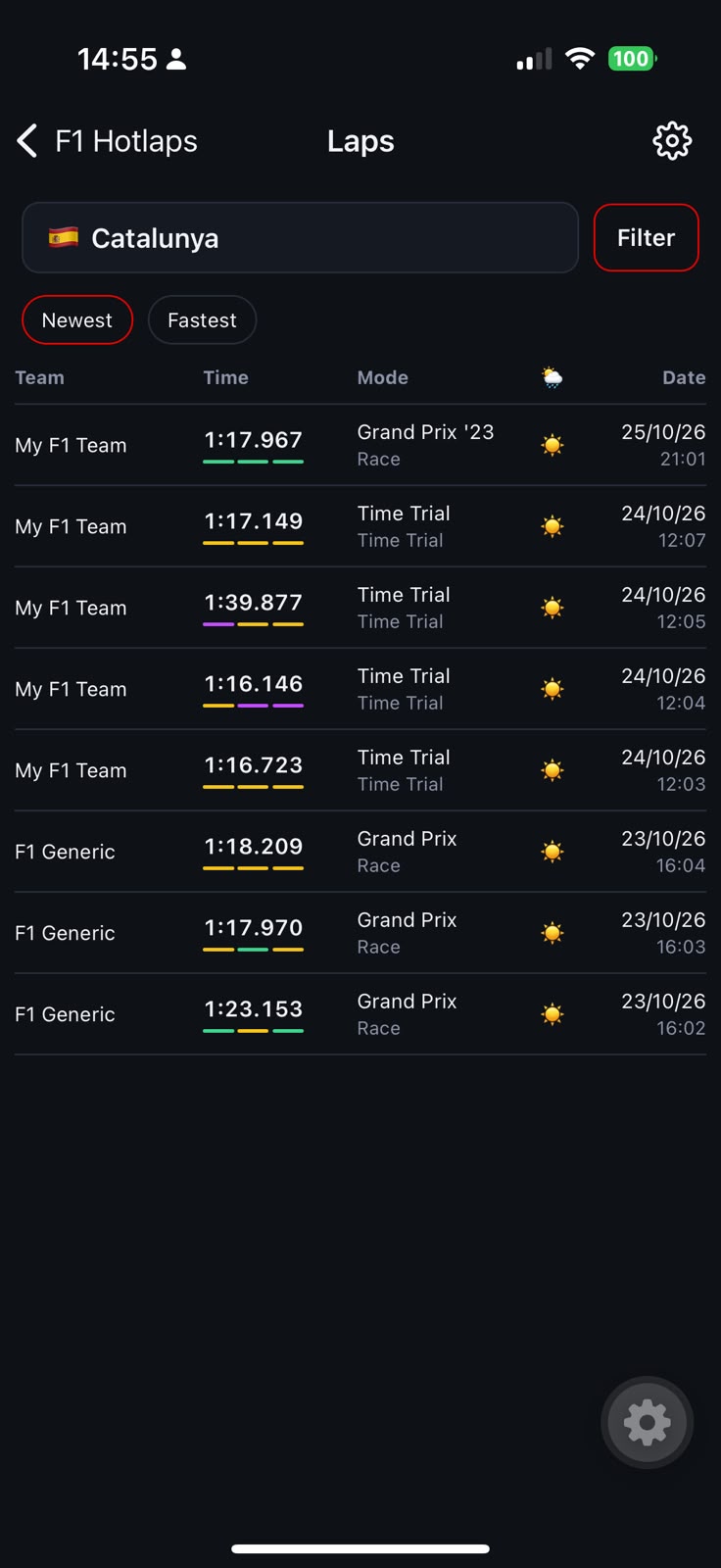
Every lap at a track, with the sector colours.
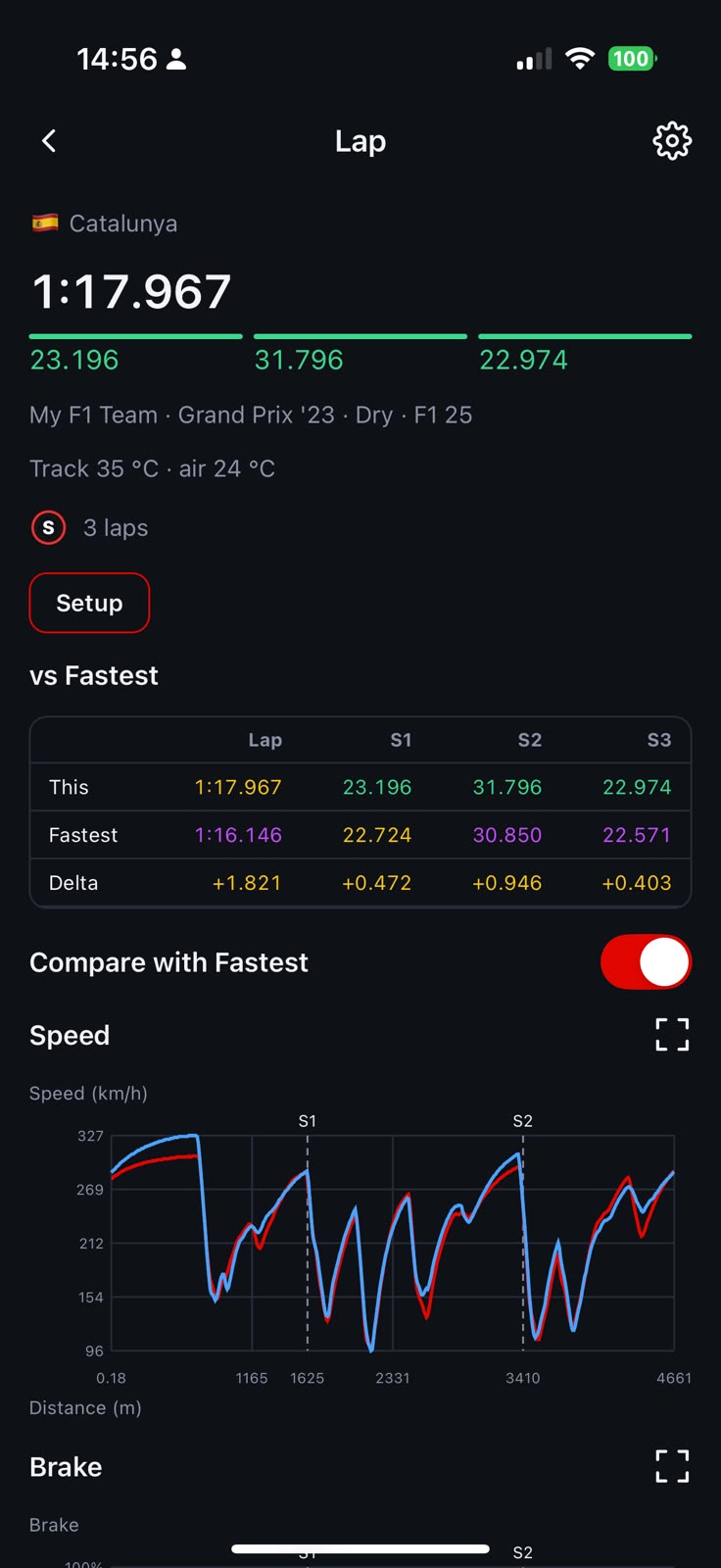
This lap against the fastest, including the speed trace.
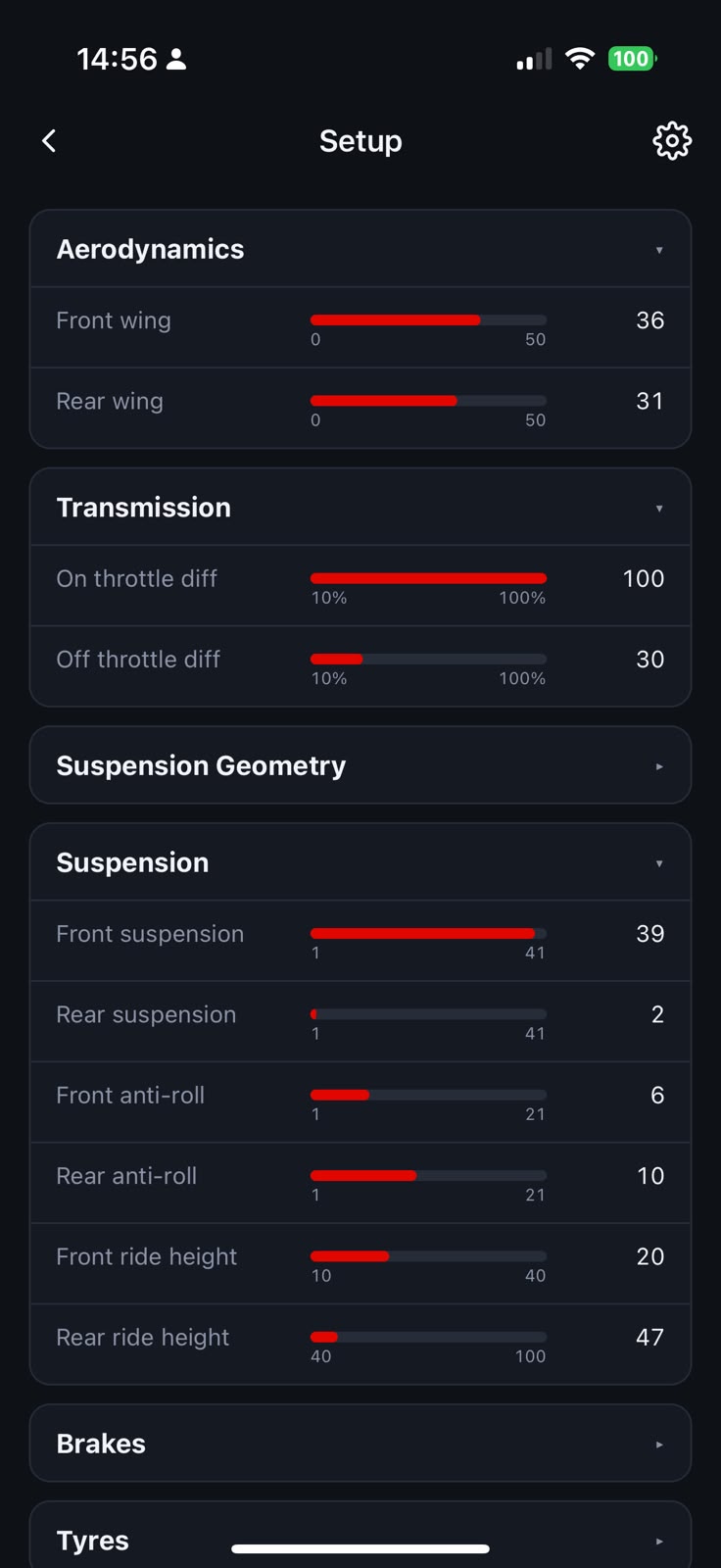
Wings, differential, and suspension for that lap.
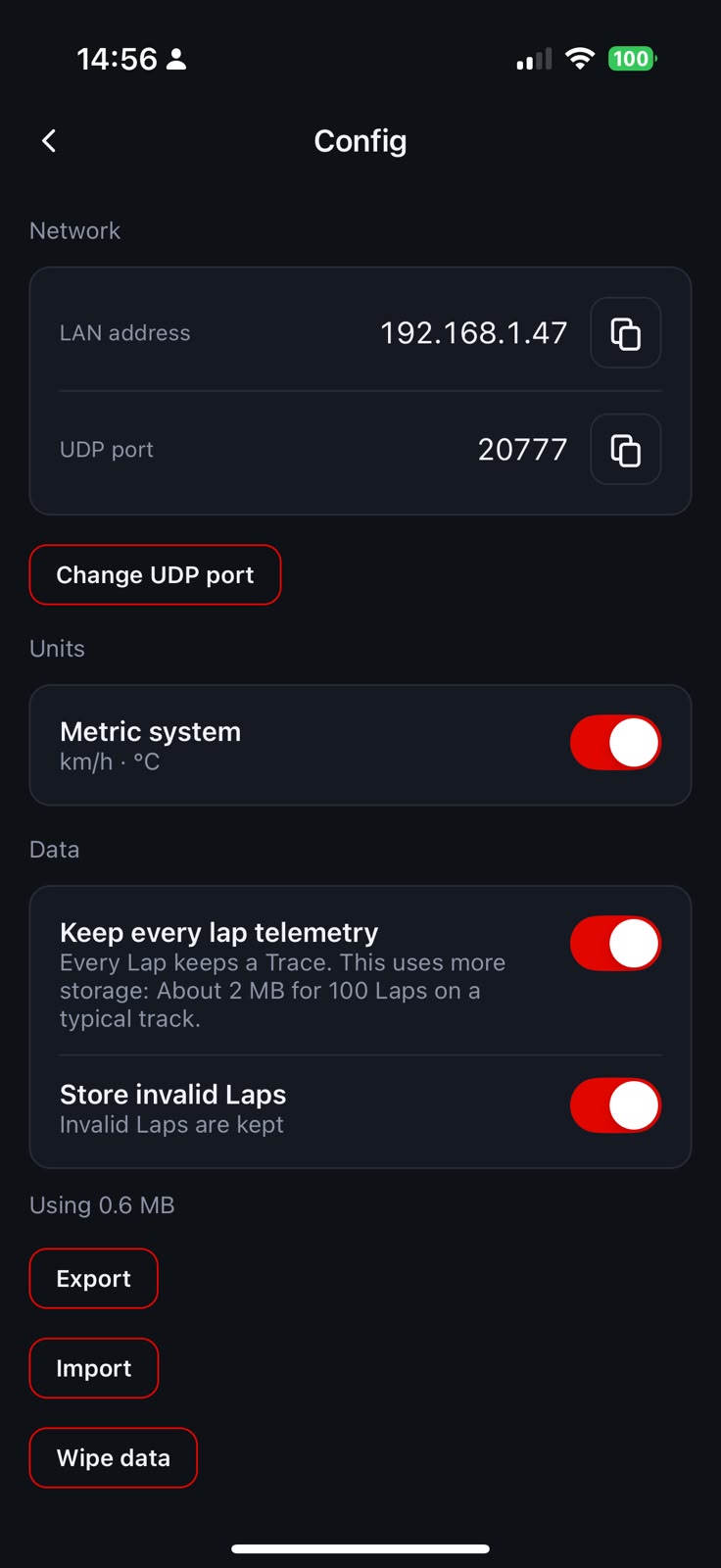
The address and port the game sends telemetry to.
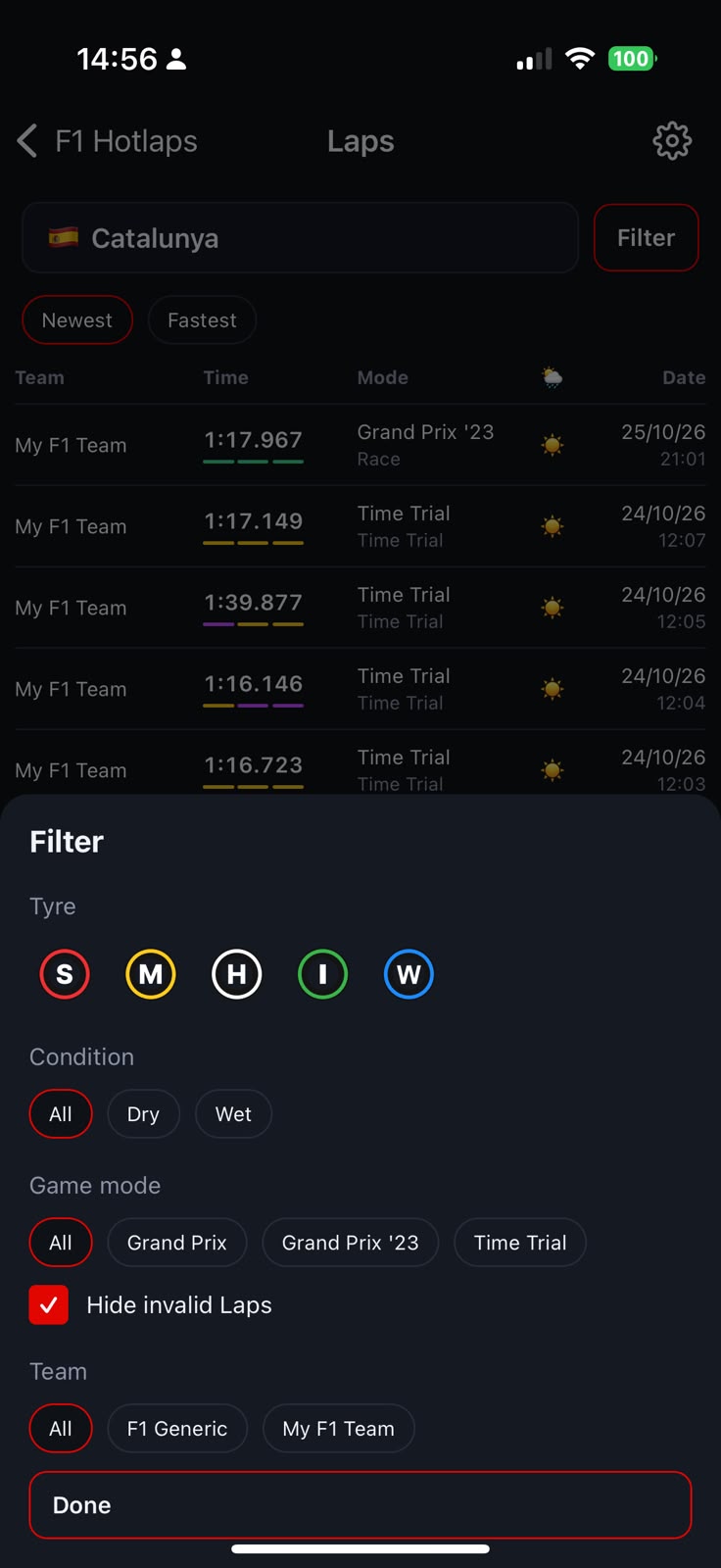
Tyre, condition, mode, and team.
Each of these is coming soon.
Ask a question during an F1 25 or F1 26 race and get advice back, the way you would on the radio.
Open the laps you completed: the time, the tyre, and how each sector went.
Follow speed, throttle, and brake along the distance of the lap.
Lay one lap over another, including your fastest, and see where the time moved.